How-to access data
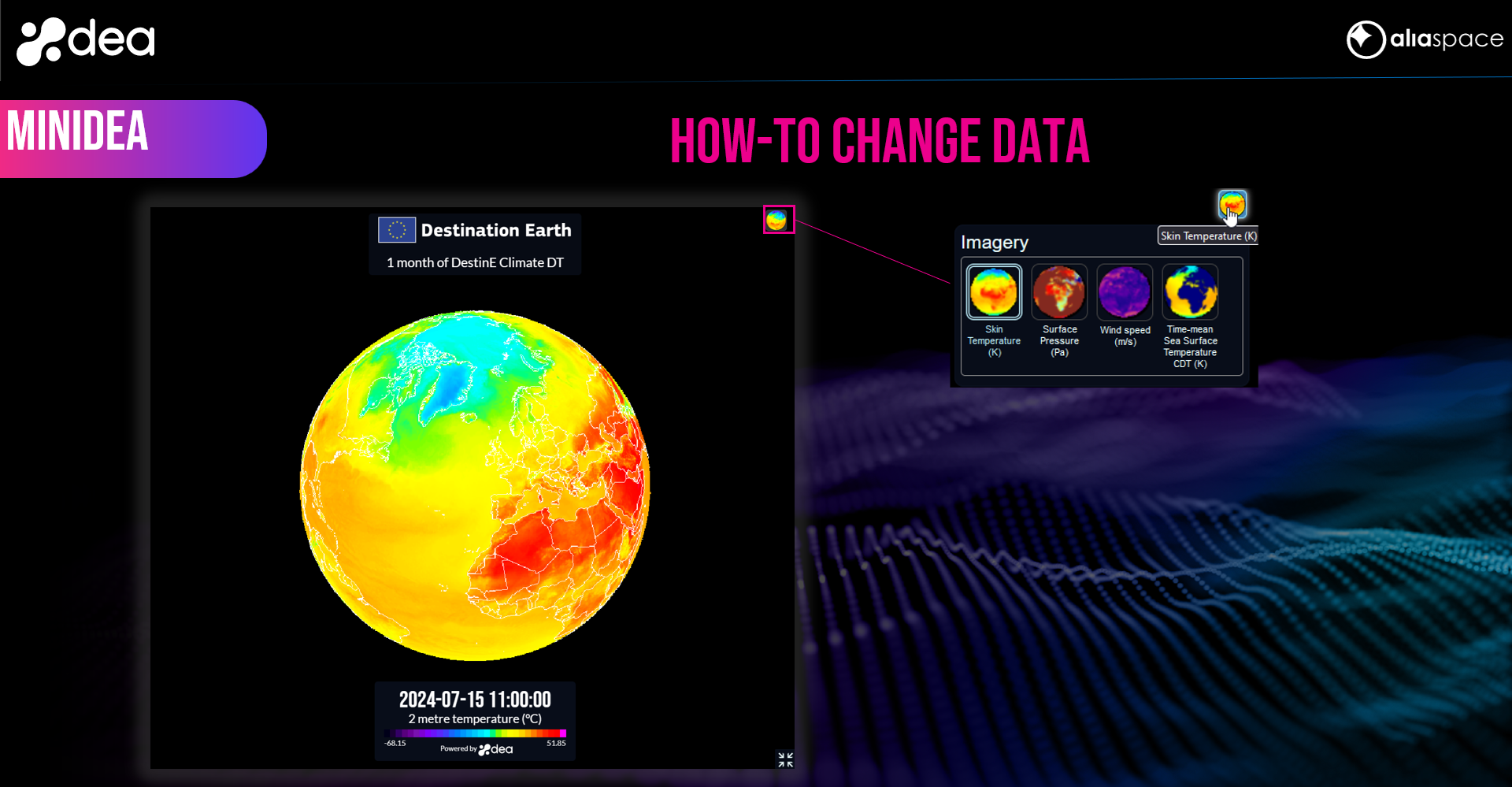
You can change the data shown on the globe by clicking the mini-globe icon on the top-right of the screen and by selecting a different dataset from the displayed panel.
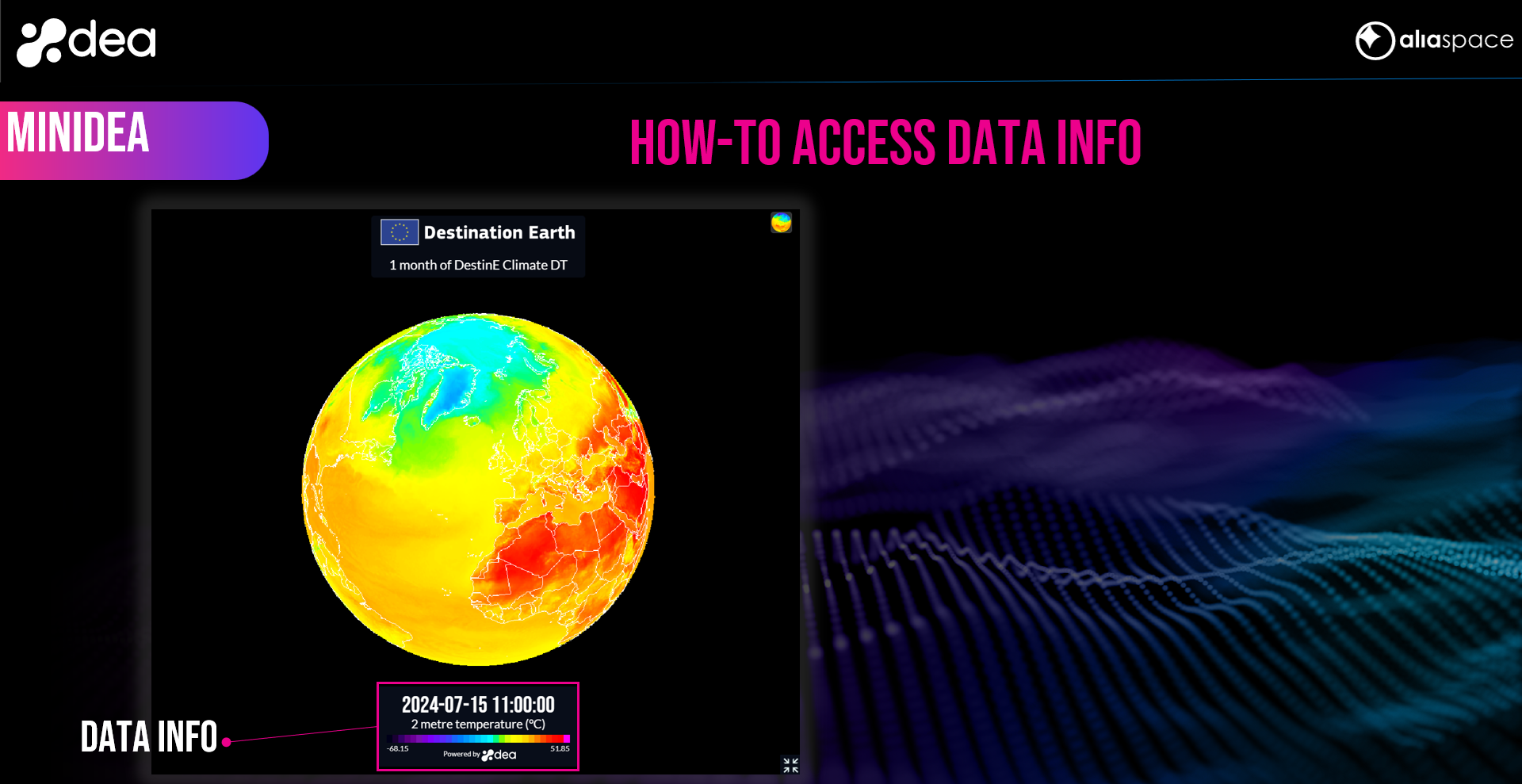
Data information such as variable name, color map and time is shown in the panel at the bottom center of the screen.