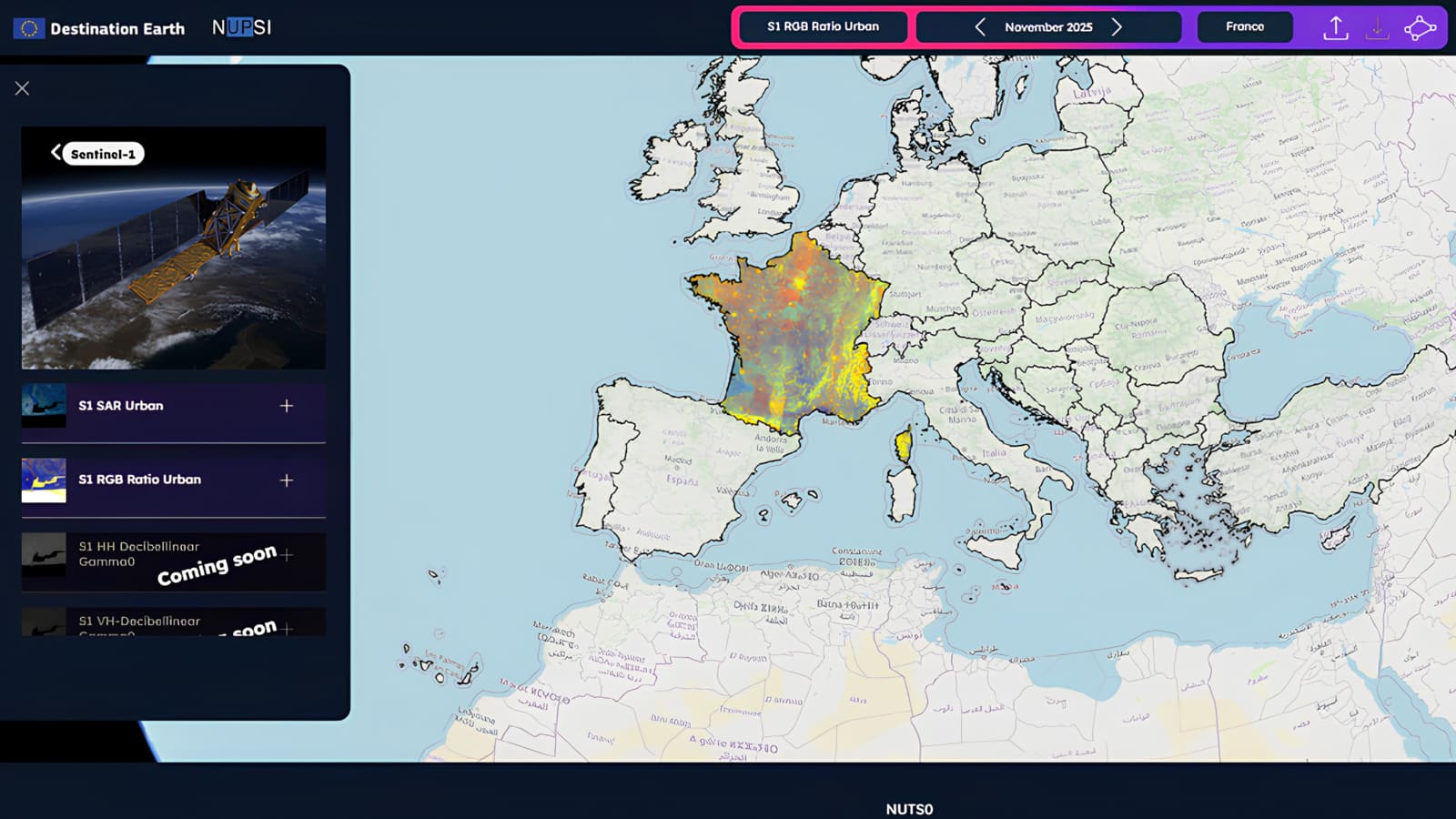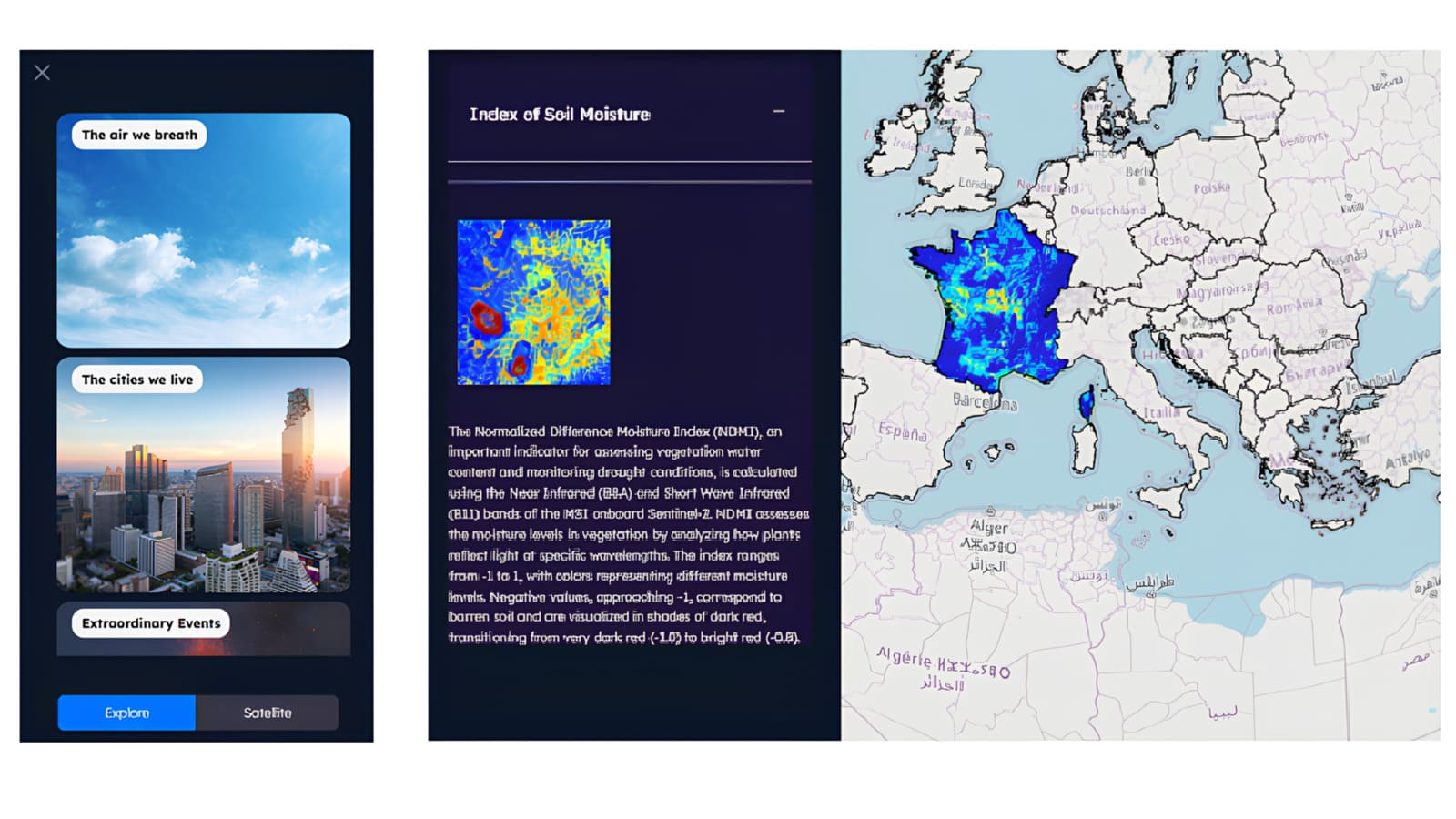
NUPSI (NUts Production Storage and Imagery service) is a web application designed to make Earth Observation data easier to explore and interpret, from non-expert users to advanced analysts. The service provides seamless access to Copernicus satellite data, with a strong focus on European NUTS administrative regions (from National levels to NUTS3) and user-defined Areas of Interest.
Through an intuitive interface built around the “what, where, and when” of satellite observations, NUPSI enables users to visually explore changes over time and extract meaningful insights for environmental monitoring, agriculture, and urban analysis.
The main features of NUPSI are:
• Guided data exploration: explore Copernicus datasets over predefined NUTS regions or custom AOIs
• Temporal analysis: navigate monthly mosaics through an interactive timeline to monitor change over time
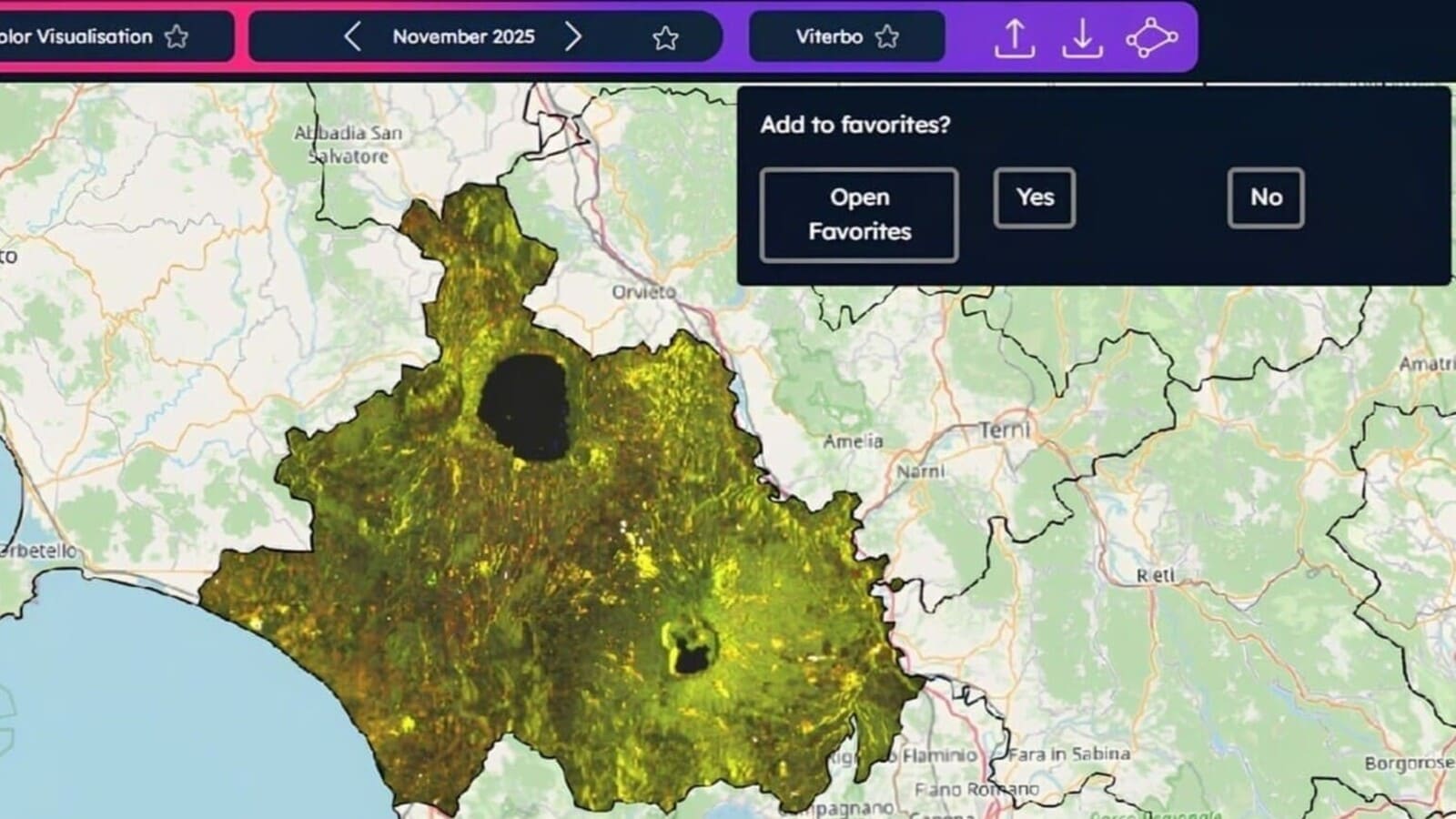
• Flexible area selection: analyze data using freehand drawings, GeoJSON imports, or administrative boundaries
• Multi-parameter visualization: view satellite-derived parameters from different thematic perspectives
• Data access and download: retrieve pre-processed mosaics or request custom products and GeoTIFF outputs
• Favorites and reuse: save visualizations to quickly reproduce analyses in future sessions