DEA AI Assistant 
Since the DEA 1.8.0 release, the user can create sample stories using natural language directly from the DEA landing page with the support of the new DEA Copilot.
By clicking on the Ask AI button, the chat with the DEA assistant is shown.
User have to sign in before submitting his/her requests.
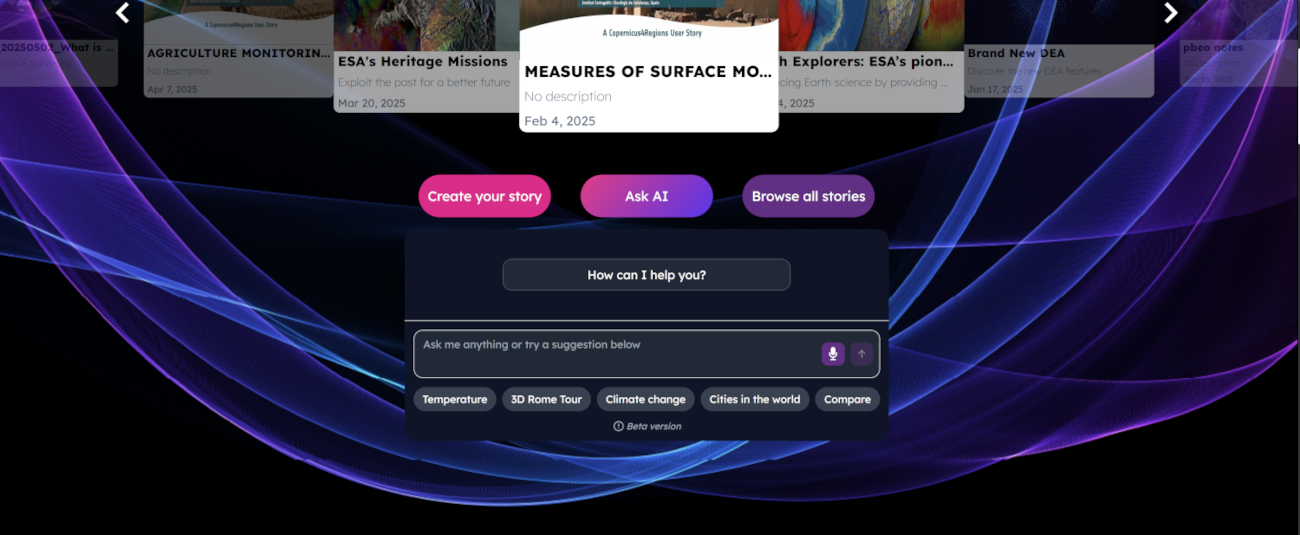
The user can:
Select one of the default suggestions provided in the chat
Type a text with the keyboard
Use his/her own voice to ask something to the assistant
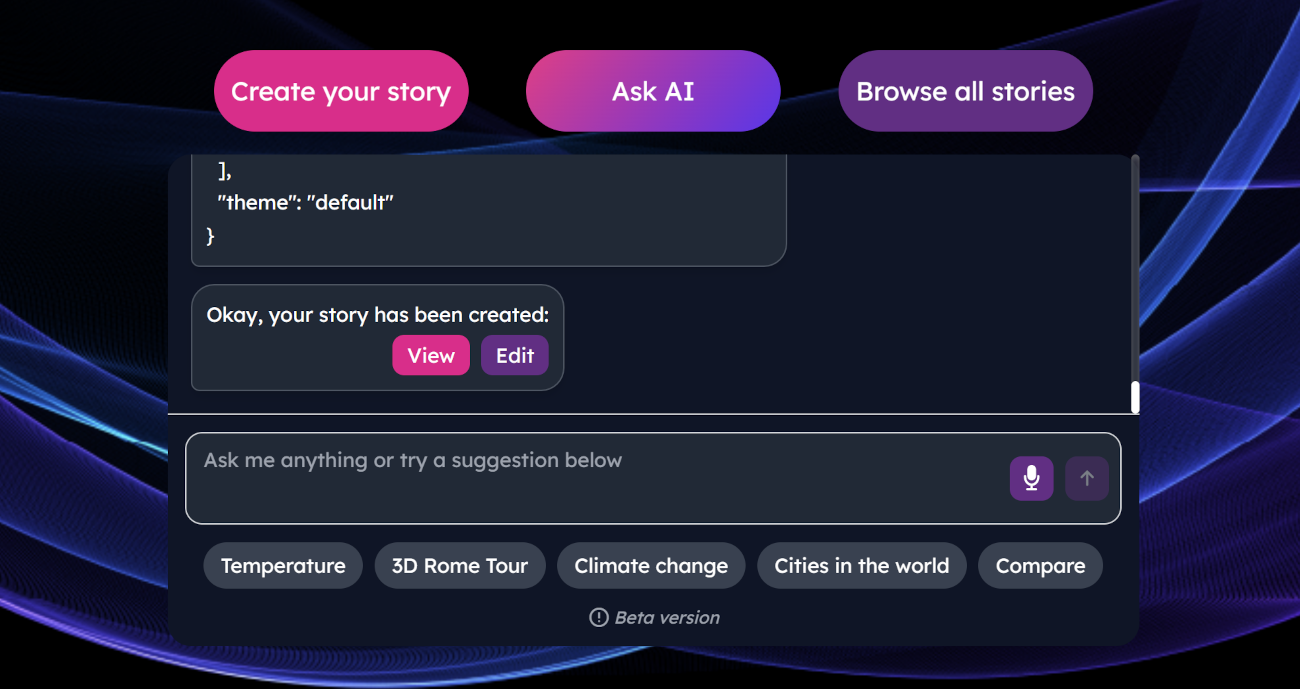
Once the story is created, the user can visualize or edit it by clicking on the proper button.