Accessing MoMo and Interface Overview
Access and Language Selection
MoMo is accessed through the DestinE platform. MoMo is available in both English and Spanish. To change the interface language, use the language selector available in the top menu and choose your preferred language.
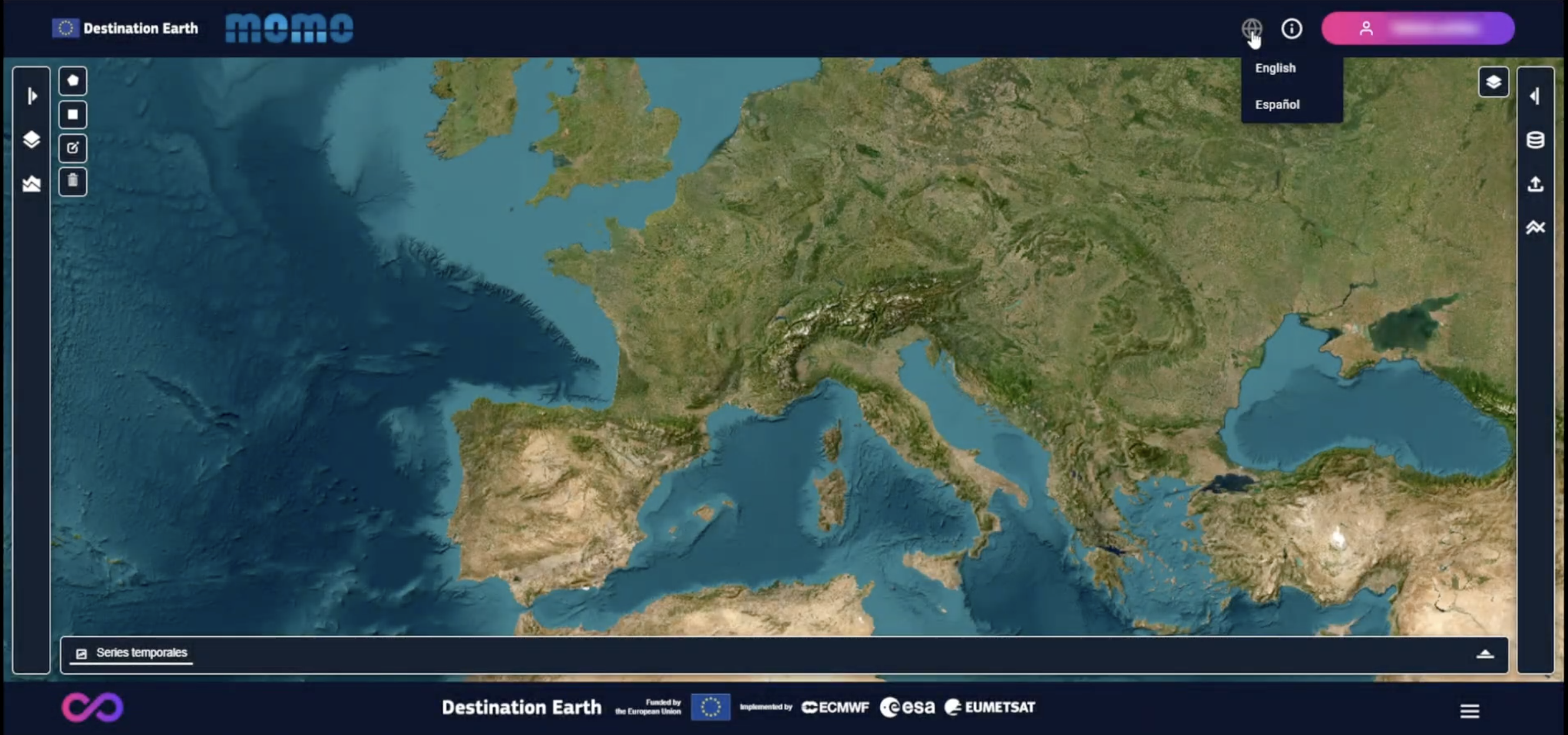
Language selection and top menu
Main Interface Components
The MoMo interface is structured around four main components:
A central map displaying geolocated deformation points
A right-hand command panel with three tabs (Scenarios, Upload, Modeling)
A left-hand style panel used to control visualization and styles
A bottom panel used to display time series plots
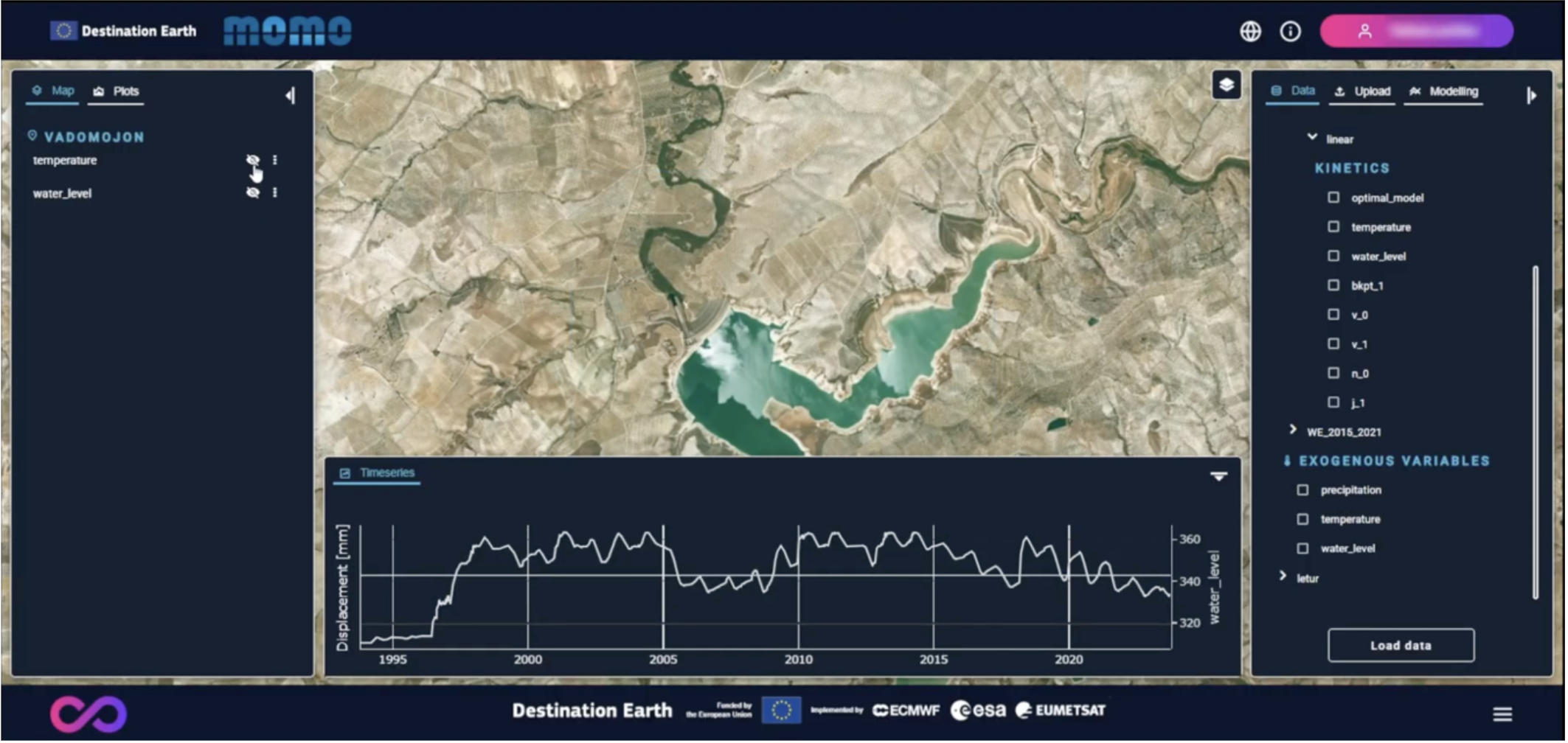
Interface overview